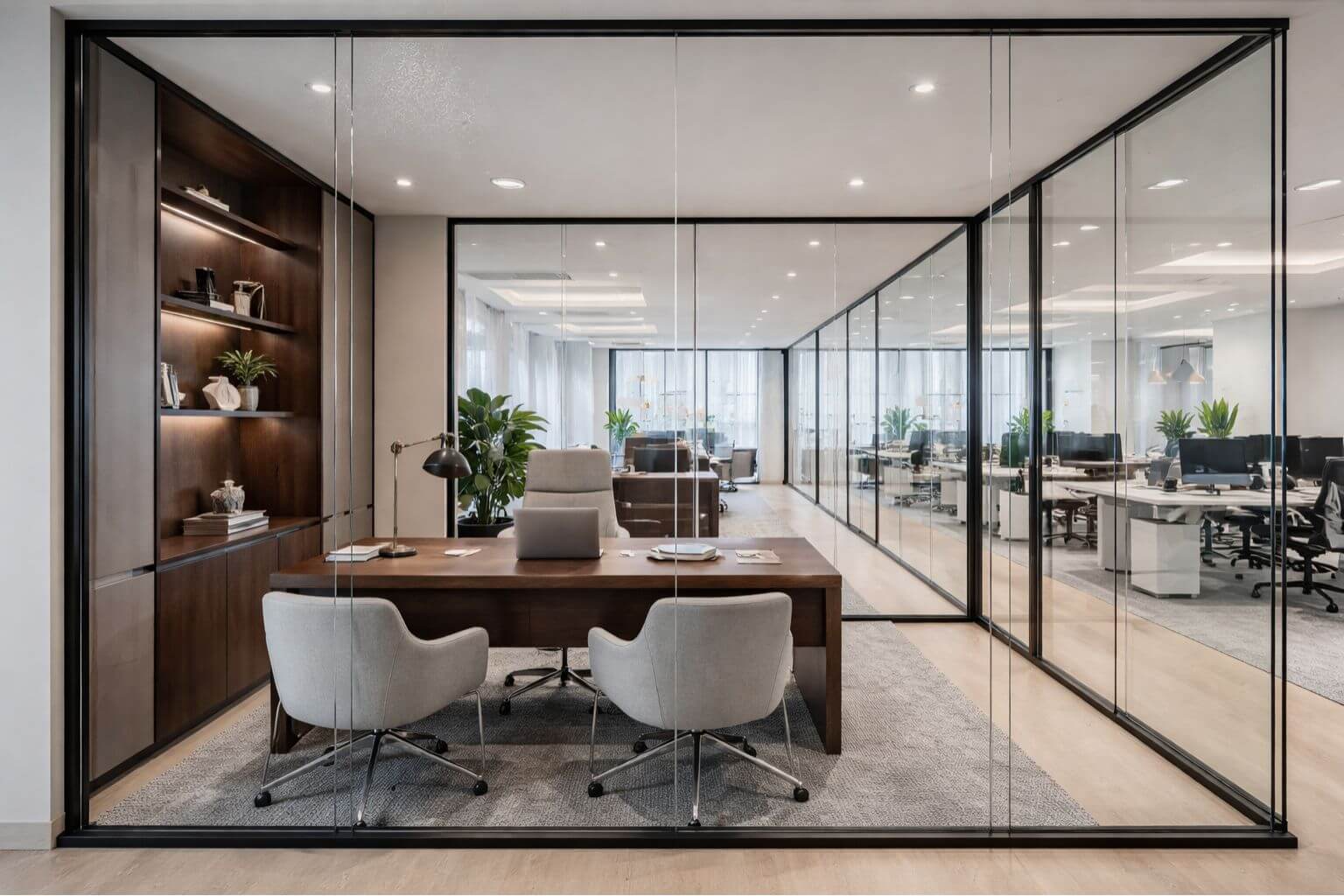
Workplace accessibility has never been more important for UK businesses. As organisations continue to prioritise diversity, equity, and inclusion, the way offices are designed plays a vital role in ensuring that every employee, regardless of ability, can thrive. Accessibility is not only about meeting minimum legal requirements; it’s about creating an environment where people feel valued, supported, and empowered to perform at their best.
An accessible office contributes to productivity, employee well-being, and retention while reducing barriers that might otherwise prevent talented individuals from joining or staying with your business. From physical features such as step-free access and adjustable desks, to digital considerations like accessible booking systems, accessibility needs to be embedded into both the design and culture of a workplace.
This guide explores practical, design-led solutions alongside legal insights to help you create a workplace that works for everyone. Whether you’re planning a new office fit-out, updating an existing space, or reviewing policies, the following sections will provide a roadmap to making accessibility a cornerstone of your workplace strategy.
Blog Overview
- What is Workplace Accessibility
- Why Accessibility Matters
- UK Legal Requirements
- Common Workplace Accessibility Barriers
- How to Design an Accessible Workplace
- Inclusive Technology and Assistive Tools
- Workplace Policies and Training for Accessibility
- Your Checklist
- Next-Step Advice
- FAQ
What is Workplace Accessibility?
Workplace accessibility refers to the design and adaptation of spaces, systems, and policies to ensure that everyone, regardless of physical, sensory, or cognitive ability, can fully participate in work. Traditionally, accessibility was narrowly associated with wheelchair access, but modern workplace design goes far beyond that.
Accessibility now encompasses:
- Physical Needs: Step-free entry, wide corridors, accessible toilets, ergonomic furniture.
- Sensory Needs: Clear signage, visual alarms, acoustic zoning, glare-free lighting.
- Neurodivergent Needs: Quiet work zones, flexible seating arrangements, adaptable lighting.
It’s also important to distinguish between accessibility and inclusivity. Accessibility removes physical and digital barriers; inclusivity ensures that people feel welcome, respected, and supported. For example, an accessible workstation may provide the right desk height for wheelchair users, while inclusivity would mean ensuring that colleagues understand and support different needs without stigma.
When accessibility and inclusivity go hand in hand, businesses create workplaces that not only comply with regulations but also foster collaboration, well-being, and innovation.
Why Accessibility in the Workplace Matters
Accessibility impacts much more than compliance; it influences the culture, productivity, and reputation of a business.
- Employee Well-Being and Productivity: Employees who can comfortably navigate their workplace are less stressed and more focused. According to a CIPD survey, companies that support accessibility and inclusivity see measurable improvements in morale and performance.
- Retention and Recruitment: An accessible office widens the talent pool. With 16 million people in the UK identifying as disabled, accessible workplaces can attract highly skilled employees who might otherwise be excluded.
- Legal Compliance: Under the Equality Act 2010, employers must make “reasonable adjustments” to ensure disabled employees are not disadvantaged. Non-compliance can result in costly legal challenges and reputational damage.
- Reputation and CSR: Businesses that champion accessibility demonstrate strong corporate social responsibility (CSR). This not only builds trust with clients and employees but can also enhance brand image and strengthen partnerships.
The case for accessibility is clear: it’s not just about meeting minimum requirements but about actively designing environments where everyone can contribute and succeed.
Legal Requirements for Workplace Accessibility in the UK
In the UK, the Equality Act 2010 is the primary legislation governing workplace accessibility. It requires employers to make “reasonable adjustments” to ensure that disabled employees are not placed at a substantial disadvantage compared to others.
What Does “Reasonable Adjustment” Mean?
This could include:
- Installing ramps or lifts.
- Providing specialist equipment (e.g. ergonomic chairs, screen readers).
- Adjusting work patterns or allowing flexible working.
Employers must also comply with building regulations, particularly Part M of the Building Regulations, which sets out requirements for access to and use of buildings.
For office fit-outs, this may involve:
- Accessible toilets and washrooms.
- Step-free entrances and circulation routes.
- Adequate signage, lighting, and alarm systems.
Employers can find detailed guidance through resources such as ACAS and GOV.UK.
Failing to meet these requirements not only risks legal action but also undermines an organisation’s ability to attract and retain talent.
Common Workplace Accessibility Barriers
Despite legislation, many offices still present accessibility challenges. Typical barriers include:
- Physical: narrow doorways, high reception desks, inaccessible toilets, lack of ramps or lifts.
- Digital: software not compatible with assistive technology, poor website accessibility, and inaccessible booking systems.
- Cultural/Procedural: lack of awareness among staff, absence of flexible working policies, and limited training around accessibility needs.
Identifying these barriers early in a fit-out project or workplace review allows businesses to take proactive steps towards creating an inclusive environment.
How to Design an Accessible Workplace
Designing an accessible office requires a holistic approach. Here are some key considerations:
Entrance and Wayfinding
- Step-free access with ramps or lifts.
- Automatic or push-button doors.
- Clear, tactile, and well-lit signage.
Workstations and Layout
- Adjustable desks and ergonomic chairs.
- Wide walkways for wheelchair users.
- Flexible furniture arrangements.
Meeting Rooms
- Induction loops for hearing aid users.
- Accessible AV equipment and controls.
- Flexible layouts to accommodate different needs.
Bathrooms and Kitchens
- DDA-compliant layouts.
- Low counters and sinks.
- Handrails and wide doors.
Lighting and Acoustics
- Glare-free, natural lighting where possible.
- Acoustic panels or zoning to reduce noise.
Neurodiversity Considerations
- Quiet zones for focused work.
- Variety of seating options.
- Adjustable lighting for sensory comfort.
Case studies from office fit-outs consistently show that these changes not only improve accessibility but also create spaces that are more enjoyable and productive for all employees.
Inclusive Technology and Assistive Tools
Technology plays a critical role in workplace accessibility:
- Assistive Software: Screen readers, speech-to-text, magnification tools.
- Ergonomic Peripherals: Split keyboards, vertical mice, height-adjustable monitors.
- Accessible Booking Systems: Digital platforms for reserving meeting rooms, parking spaces, or quiet zones.
- Digital Accessibility: Following WCAG standards ensures that websites, intranets, and applications can be used by people with a wide range of abilities.
When technology is integrated thoughtfully, it enhances independence, efficiency, and inclusivity.
Workplace Policies and Training for Accessibility
Accessibility in design must be reinforced with supportive policies and training.
- Inclusive Policies: Flexible working, disability leave, accessible recruitment processes.
- Employee Involvement: Engaging disabled employees in shaping policies ensures that real needs are addressed.
- Training: Equipping staff with knowledge about accessibility, unconscious bias, and assistive technology.
- Accessibility Audits: Regular reviews to identify gaps and update strategies.
When culture and policy align with physical design, accessibility becomes part of the organisation’s DNA.
Your Checklist for Accessible Office Fit-Outs
Use this quick checklist to guide your next fit-out or refurbishment:
- Step-free entrances and automatic doors.
- Accessible toilets and kitchens.
- Clear, tactile, and well-placed signage.
- Adjustable desks and ergonomic furniture.
- Adequate circulation space and wide walkways.
- Meeting rooms with induction loops and accessible AV.
- Quiet zones and flexible seating for neurodivergent employees.
- Accessible digital booking systems.
- Regular accessibility audits and employee feedback loops.
For more tailored support, explore our office design services to see how we can help you bring these principles to life.
Your Next-Steps for an Accessible Workplace
Workplace accessibility is about more than compliance; it’s about creating an environment where everyone can succeed. By addressing physical, digital, and cultural barriers, organisations can unlock the benefits of improved productivity, stronger retention, and enhanced reputation.
From step-free design to neurodiverse-friendly spaces and inclusive policies, there are countless ways to make accessibility a natural part of your office fit-out strategy.
If you’re ready to take the next step, start with an accessibility audit of your current space. Involve stakeholders, consult with employees, and partner with experienced office design specialists to ensure that no detail is overlooked.
We help businesses design and deliver workspaces that prioritise accessibility, inclusivity, and wellbeing. Contact us today to explore how our fit-out and design services can transform your office into a truly inclusive environment.
FAQ
What does accessibility mean in the workplace?
Accessibility in the workplace refers to creating an environment where everyone, including people with disabilities, can fully participate and perform their job effectively. This includes providing equal access to physical spaces, technology, communication, and workplace policies.
What are the four core principles of accessibility?
Accessibility is guided by four essential principles that ensure inclusive experiences for all users: Information must be presented in ways that can be detected and understood through various senses (perceivable), interfaces must be functional using different input methods like keyboards or voice commands (operable), both content and navigation should be easy to grasp and use consistently (understandable), and systems must be built to remain compatible with a variety of current and future assistive technologies (robust).
What are the four main areas of accessibility?
Accessibility spans four key domains:
- Digital: Making websites, apps, and tech tools usable for people with diverse abilities.
- Physical: Designing spaces that accommodate mobility, sensory, and other physical needs.
- Communication: Ensuring information is available in multiple formats to suit different communication styles.
- Cultural and Policy: Building inclusive mindsets and systems through supportive practices and policies.
Can you give an example of accessibility in the workplace?
An example of workplace accessibility is providing a screen reader-compatible intranet for blind employees, or installing automatic doors and height-adjustable desks so employees with mobility impairments can navigate and work comfortably.